
 Download for the office Mac
- Current version
- 2.4.0
- Software maker
- iZotope
- Language support
- English
- License
- DRM-free
The 2.4.0 update brings native arm64 support for both the installer and Pro Tools AAX on Apple silicon Macs. That means Insight 2 now runs at full speed on M-series machines without translation layers, which matters when you're watching loudness and spectrogram meters in real time.
Check your mix loudness
Insight 2 shows True Peak, Loudness, and Loudness History alongside broadcast standards updated for current delivery specs. Multichannel support goes up to Dolby Atmos 7.1.2, so you can see how a mix behaves across formats.
See the spectral balance
The 2D/3D Spectrogram and Spectrum Analyzer give you a clear picture of frequency balance. Color-coded signals help you spot problem areas fast while you're adjusting EQ or compression.
Follow stereo and surround placement
Stereo Vectorscope and Surround Scope display phase and channel placement. That's useful when you're checking width or making sure nothing collapses in mono.
Insight 2 runs on macOS Big Sur or later on both Intel and Apple silicon. The interface is English, and the preset manager now has factory and custom tabs so you can keep your own setups separate.
Does Insight 2 replace your DAW's built-in meters
People often ask whether Insight 2 replaces the meters already built into their DAW. It doesn't replace them — it adds a deeper set of tools alongside what you already have. You route audio from any track or bus into Insight 2 and watch metrics that most DAW meters don't show, like a combined Loudness History graph or a 2D/3D Spectrogram that colors frequencies by amplitude. You can resize each meter individually, so the layout fits your screen without blocking the edit window.
Another question is whether Insight 2 works with Pro Tools on an M-series Mac. The answer is yes: version 2.4.0 added native arm64 AAX support for Pro Tools 2023.3 and later. On Apple silicon machines it runs without Rosetta, which makes a difference when you have several metering instances open. The installer itself is also native arm64, so you don't need to think about which architecture you're choosing.
Some people ask about the DRM situation. The version listed on this site is DRM-free, which means no online authorization and no license manager running in the background. The package includes the install and activation instructions.
Opening too many meters at once overwhelms the display
The most common mistake is opening too many meters at once. Insight 2 can show a lot of data — True Peak, Loudness, Spectrogram, Vectorscope — and it's tempting to stack them all into one instance. That makes the window crowded and hard to read. Start with one or two meters per instance. Use the preset manager to save a minimal layout for tracking and a fuller one for mastering.
Another mistake is ignoring the color signals. Insight 2 uses color to flag potential problems — for example, if your loudness is approaching a broadcast limit or your stereo correlation dips into trouble territory. Beginners sometimes treat the meters as decoration and miss the warnings. The color change is there to save you from a print that fails QC, so it's worth glancing at regularly.
When the meters show no signal, check your audio routing
A frequent snag happens when the meters show no signal. The most likely cause is that you haven't routed audio to the Insight 2 instance. Check that the track or bus feeding the plug-in actually carries audio and that the plug-in is inserted post-fader if you want to see the effect of your level changes. If you're using it as a side-chain metering tool, make sure the send is routed correctly.
Another snag is the interface becoming unresponsive when you resize a meter too aggressively. This is more common on older Intel Macs, but it can happen on any system if you push the Spectrogram to a very long time window while also running other heavy plug-ins. The fix is to close the instance, re-open it with a simpler preset, and then resize gradually.
Some users hit a snag with the preset manager not showing their custom presets. The factory and custom tabs are separated in version 2.4.0, so your saved presets appear under the custom tab — not mixed in with the factory ones. If you don't see them, make sure you saved the preset while the custom tab was active.
Watch familiar tracks to learn how the Loudness History graph behaves
Spend the first session just looking. Put Insight 2 on your master bus and play a few tracks you know well — commercial releases, your own mixes, anything. Watch how the Loudness History graph behaves during a chorus versus a verse. Look at the Spectrogram to see where the kick and snare sit. You'll learn what normal looks like before you try to fix anything.
Try the Surround Scope even if you're working in stereo. It shows phase relationships clearly, and it's a quick way to see whether a mix that sounds wide is actually out of phase. Set it up once and leave it small in the corner of your screen.
Use the factory presets as starting points. The factory tab includes layouts tuned for different tasks — loudness checking, spectral analysis, stereo imaging. Pick one that matches what you're doing and then tweak the meter sizes. Save your version under the custom tab so you don't lose it.
- Native arm64 AAX support for Pro Tools 2023.3+ on Apple silicon Macs.
- Native arm64 install support for Apple silicon Macs.
- Factory and custom preset tabs added to the preset manager.
- macOS Big Sur or later
- Apple silicon or Intel Mac
Questions from the office
Does Insight 2 work on Apple silicon Macs?
Yes. Version 2.4.0 includes native arm64 install support and native AAX support for Pro Tools 2023.3+ on Apple silicon Macs.
Installation steps
- Download the package.
- Run the installer.
- Follow the install and activation instructions included in the package.
 Questions and replies
Sign in or set up an account to leave a comment.
No one has commented here yet. If you have used this build, the useful note is where it failed.
Same shelf: VST Plugins
All VST Plugins titles iZotope Nectar
4.1.0 VST Plugins 545 MB
 iZotope Neutron
5.2.0 VST Plugins 928 MB
 iZotope RX
12.1.0 VST Plugins 3.6 GB
 iZotope Tonal Balance Control
3.0.0 VST Plugins 264 MB
 Kalifornia Dynamic KD Alkane
1.0.17 VST Plugins 270 MB
 Komplete Kontrol
3.5.4 VST Plugins 785 MB
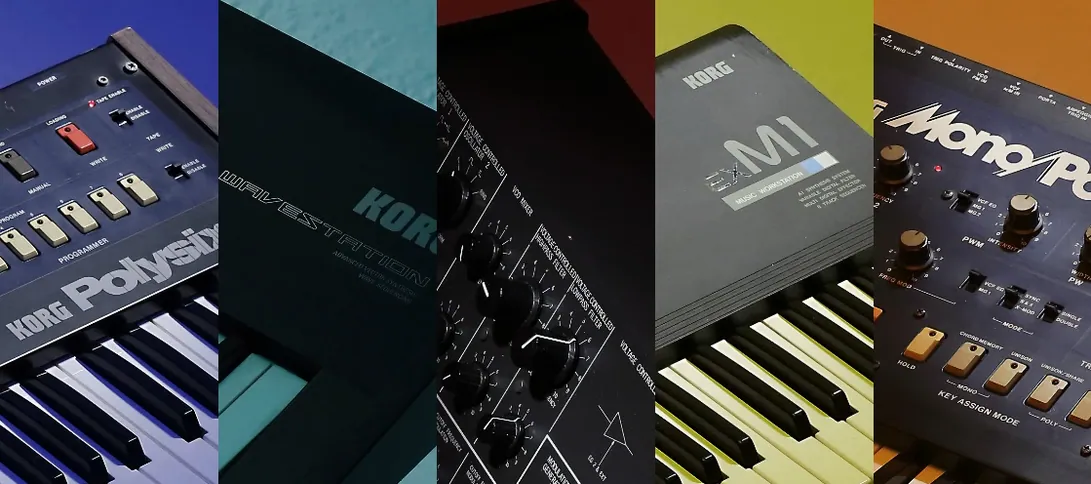
 KORG Collection
1.0.3 VST Plugins 175 MB
 KORG TRITON
1.4.7 VST Plugins 586 MB

