
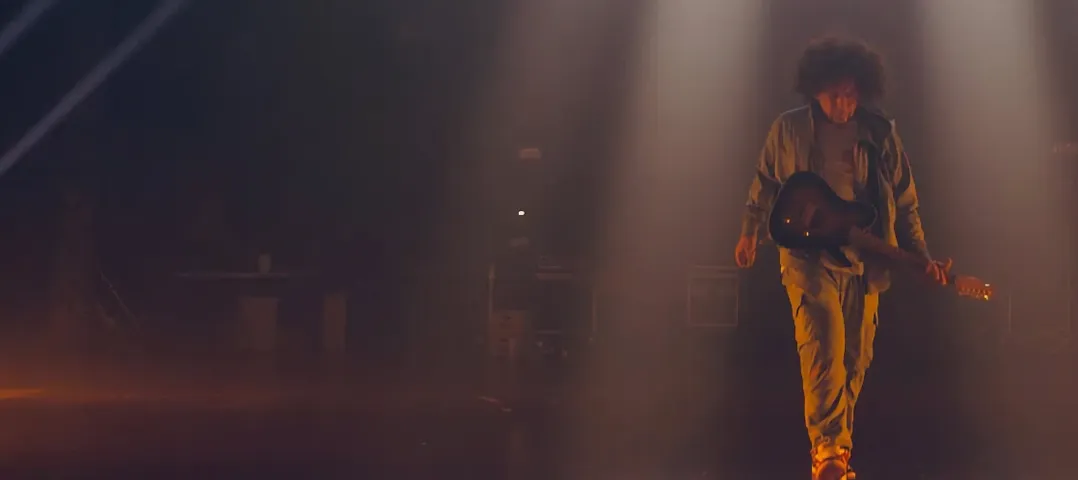
 Download for the office Mac (742 MB)
- Current version
- 1.0.1
- Software maker
- Neural DSP Technologies
- Language support
- English
- License
- K'ed by FLARE
- macOS versions
- macOS 10.15 or later
- Processor type
- Apple Silicon, Intel 64-bit
| System | macOS 10.15 or later |
|---|---|
| Chip | Apple Silicon, Intel 64-bit |
| Download | 742 MB |
Overlord is the first thing you notice. It is a monophonic synth that tracks your guitar, and it can trigger two oscillators at once, which means you can layer a square wave under your pick attack or let a sawtooth carry the tail. The manual keeps it simple, and the controls stay that way.
Amp gain, effects, and the Overlord synth texture
- The amp section gives you modern gain structures, from tight rhythm crunch to fluid lead saturation.
- The effects include delays, reverbs, and modulation that sit in the mix without swallowing your dry signal.
- Overlord mixes synth texture under the guitar, so you can turn a single riff into something bigger.
Native Apple Silicon and Intel Mac support
Archetype Rabea X runs as a 64-bit plugin in VST2, VST3, AU, and AAX formats, plus standalone. It supports Apple Silicon natively and works on Intel Macs running macOS 10.15 or later. The interface is clear, and the presets give a quick idea of what each section does. For modern tones with a synth edge, it holds its own.
Input level adjusts the feel of the rig
When you first open Archetype Rabea X, the default preset is a reasonable starting point, but a few adjustments make it feel like your own rig. The input level matters most: turn your guitar volume to where you normally play, then adjust the plugin's input gain so the meter sits in the healthy range without peaking. This takes thirty seconds and saves you from chasing tone later.
The Overlord monosynth has a mix control that defaults to a balanced blend. If you want the synth to sit underneath rather than compete, pull that mix down a bit. If you want it to lead, bring it up. The two oscillators can be tuned independently, so set one an octave apart from the other for a thicker texture — that's where the plugin starts to sound bigger than a standard amp sim.
The gate threshold is also worth dialing in. Without adjustment, notes can ring longer than you want, especially with high-gain settings. Set it tight enough to cut noise between riffs, but loose enough that sustain doesn't choke. That's really the only setup that matters before you start playing.
Works with VST2, VST3, AU, and AAX formats
Some people wonder whether the plugin works with their existing setup. It runs as a 64-bit plugin in VST2, VST3, AU, and AAX formats. If your DAW loads those formats, it will see Archetype Rabea X. The standalone version works without a DAW at all — you can plug a guitar into your Mac and play through it directly. The plugin also works with Quad Cortex and Quad Cortex Mini, so presets transfer between hardware and software.
Another common question is about system load. The plugin supports Apple Silicon natively and runs on Intel Macs. It does not require a high-end machine to function. Most modern Macs handle it without trouble, though the Overlord synth uses some extra processing when both oscillators are active. That is normal for any synth plugin.
People also ask about the monosynth's learning curve. Overlord tracks pitch from your guitar, and the controls are straightforward: two oscillators, a mix, a filter, and an envelope. If you have used a synth before, it will feel familiar. If you have not, the manual explains it clearly, and the presets show how each parameter changes the sound. It is not a deep modular synth — it is a focused tool for guitarists.
Presets load amp and synth settings together
Neural DSP Archetype Rabea X includes a few details that are not obvious at first glance. The plugin loads presets that include both amp and synth settings at once, so switching between factory sounds changes everything together. That saves you from having to match amp and synth patches manually.
The interface shows the signal path visually. You can see where the guitar signal splits between the amp and the synth, which helps understand how the two layers interact. It is not a flashy feature, but it keeps you from guessing why a sound behaves the way it does.
Version 1.0.1 added quality-of-life improvements and bug fixes. Neural DSP Archetype Rabea X is a mature release at this point. Archetype Rabea X delivers synth-heavy modern tones for progressive and experimental players. It fills its own spot in the Archetype series.
- Version 1.0.1
- macOS 10.15 or later
- Apple Silicon or Intel
- 64-bit
Installation steps
- Mount the downloaded disk image.
- Run the standard installation procedure.
 Questions and replies
Sign in or set up an account to leave a comment.
No one has commented here yet. If you have used this build, the useful note is where it failed.
Same shelf: VST Plugins
All VST Plugins titles Neural DSP Archetype Petrucci
1.0.0 VST Plugins 745 MB
 Neural DSP Parallax X
1.0.0 VST Plugins 179 MB
 Neural DSP Soldano SLO-100 X
1.0.0 VST Plugins 340 MB
 Native Instruments Massive X
1.7.1 VST Plugins 1.6 GB
 Nudist Audio Nudistort
1.2.5 VST Plugins 45 MB
 Omnisphere
3.0.2c VST Plugins 205 MB
 Output Portal
1.2.1 VST Plugins 319 MB
 Minuit Solstice
1.2.0 VST Plugins 117 MB

