
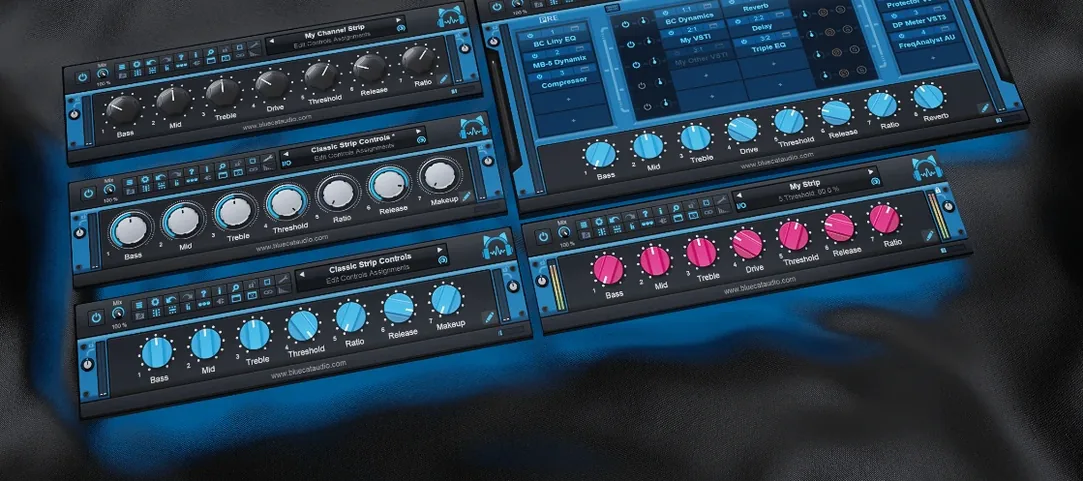
 Download for the office Mac (587 MB)
- Current version
- 2.7.5
- Software maker
- Blue Cat Audio
- Language support
- English
- License
- K'ed by R2R
- macOS versions
- OS X 10.9 or later
- Processor type
- Apple Silicon, Intel 64-bit
| System | OS X 10.9 or later |
|---|---|
| Chip | Apple Silicon, Intel 64-bit |
| Download | 587 MB |
When your DAW only gives you one plugin slot per track but you need a chain of EQs, compressors, and a reverb send, you have a routing problem. Blue Cat's PatchWork solves it by turning a single instance into a patchbay that holds up to 64 VST, VST3, Audio Unit, or built-in plugins. You load it once, then wire your effects in series or parallel inside that one window. The controls stay straightforward: a left-side browser for your plugin list, a main grid where you arrange and bypass individual processors, and per-plugin volume and pan knobs that work without opening each UI. You can drag and drop plugin presets from the file system, search saved chains by full text, and with version 2.75 you get a 16-channel audio recorder and MIDI control for individual bypass or UI toggles. It works as a standalone app or inside any host that loads AU, VST, or AAX formats, and it runs on Intel and Apple Silicon Macs alike.
Getting comfortable after installing
The first time you open PatchWork inside your DAW, it will scan your plugin folders. Let it finish before you try loading anything. The scan populates the browser on the left, and if you have a large collection it can take a minute. Once the scan is done, open the plugin browser and search for something you use regularly — a compressor you know, an EQ you trust. Drag it into the grid. Bypass it, turn it back on, adjust the volume. The idea is to confirm that your go-to plugins load and respond the way they should. If a plugin shows up but doesn't open its UI, check whether it's a VST3. On macOS, PatchWork loads VST3 editors only when the interface is visible, so that is expected behavior.
Save your first chain as a preset right away. Give it a name you will remember, like "basic vocal chain" or "guitar starter." That preset file is something you can reload later, copy to another machine, or share with a collaborator who also uses PatchWork. Version 2.75 added copy, paste, save, and reload for effects chains, so you can build a chain once and reuse it across projects without rebuilding from scratch.
If you work with MIDI hardware, spend a few minutes assigning MIDI control to bypass or open plugin UIs. The 2.75 release added that, and it saves mouse clicks when you are tracking or mixing. Assign one controller to toggle a reverb on and off, another to open the EQ. It is not something you need on day one, but setting it up early means you will reach for it later.
Vocal chain in one slot with de-esser, compressor, and reverb
Let us say you are working on a mix. You have a vocal track that needs three things: a de-esser, a compressor, and a touch of room reverb. Without PatchWork you would either use multiple inserts or create a bus. With PatchWork you load one instance on the vocal track, open the browser, search for your de-esser, and drag it into slot one. The compressor goes into slot two. For the reverb you want it in parallel — the dry signal passes through while a copy hits the reverb. You set slot three to parallel routing, load the reverb, and blend it with the wet-dry knob on the slot. The whole chain runs inside a single window. You can bypass the compressor to hear the difference, adjust the reverb level without opening its UI, and save the chain as a preset for the next vocal track.
Later in the same session you need to record a quick guitar part. You open PatchWork as a standalone application, load an amp simulator, and a delay, and hit record using the built-in audio recorder from version 2.75. The recorder handles up to 16 channels, so you can capture a stereo guitar track with a dry signal on one pair and the processed sound on another. You do not need to open your DAW just to lay down a scratch take.
When you go back to the DAW, the same preset loads exactly the way you left it. The plugin states, the routing, the MIDI assignments — everything is there.
Works alongside Axiom, Fader Hub, and MB-7 Mixer
PatchWork works alongside other Blue Cat Audio hosts like Axiom, Fader Hub, and MB-7 Mixer, but you do not need those to get value from it. Inside Logic Pro, you load it as an Audio Unit and route effects in ways Logic's own channel strips do not allow — parallel processing on a single insert, for example. In Ableton Live, it works as a VST or AU and gives you the same routing flexibility. In Pro Tools, you use the AAX version. The standalone mode is useful when you want to run effects without a DAW at all, like when you are practicing with a guitar amp sim and a looper.
If you use patchwork download bluecat patchwork torrent or blue cat's patchwork torrent, you are likely looking for a way to organize plugins across multiple machines. The preset files are small and portable. Copy them to a USB drive or cloud folder, load them on the other Mac, and the chain is ready. Just make sure the same plugins are installed on both computers.
macOS features like Quick Look work with PatchWork preset files if you have the plugin installed. You can select a preset in the Finder, press the space bar, and see basic information. That is handy when you have a folder full of vocal chains and need to pick one without opening the host.
PatchWork loads plugins on demand to avoid slowdowns
Will it slow down my session? PatchWork loads plugins on demand. If you load a chain of 64 plugins, your computer will work harder, but that is true whether they are in PatchWork or spread across multiple inserts. The plugin scanner runs once and stores the results, so subsequent sessions start faster.
Can I use it with any DAW? Yes, if your DAW supports AU, VST, VST3, or AAX. That covers Logic, Pro Tools, Ableton Live, Cubase, Studio One, Reaper, and most others. The standalone application does not need a DAW at all.
Does it work on Apple Silicon? Yes, the current version runs natively on ARM and Intel. It is a 64-bit application and requires macOS 10.9 or later.
What if a plugin does not show up? Run the plugin scanner again from PatchWork's browser. If the plugin is 32-bit, it will not load. If it is a VST3 and the UI does not open, that is normal — the editor loads only when the interface is visible. If it still does not appear, check that the plugin is installed in a location PatchWork scans by default.
Can I use it live on stage? The standalone mode is built for that. You can load your guitar rig or vocal chain, control bypass and parameters with MIDI, and keep the interface minimal. The built-in recorder is not meant for live recording, but the plugin host itself is stable enough for performance use.
Do I need other Blue Cat Audio products to make it useful? No. PatchWork is self-contained. It loads any third-party AU, VST, or VST3 plugin. The built-in plugins are a bonus, not a requirement.
- Added built-in audio recorder that captures up to 16 channels.
- Copy, paste, save, and reload for entire effects chains.
- MIDI control for individual plugin bypass and opening or closing the plugin UI.
- VST3 editor loads only when the interface is shown.
- macOS 10.9 or later
- 64-bit processor (Intel or Apple Silicon)
- Interface language: English
Questions from the office
Can I use Blue Cat's PatchWork inside Logic Pro or Ableton Live?
Yes. It loads as an Audio Unit plugin in Logic and as VST or AU in Ableton Live. The same instance can host up to 64 other plugins, regardless of the DAW.
Does PatchWork support plugins in the AUv3 format on macOS?
It does. On macOS it loads AUv3 plugins alongside VST, VST3, and older Audio Units, so you can mix formats in one chain.
Installation steps
- Open the downloaded DMG file.
- Run the PKG installer that appears.
- If macOS blocks the installer on Catalina or later and the computer is offline, open the installer from the context menu instead of double-clicking.
 Questions and replies
Sign in or set up an account to leave a comment.
No one has commented here yet. If you have used this build, the useful note is where it failed.
Same shelf: VST Plugins
All VST Plugins titles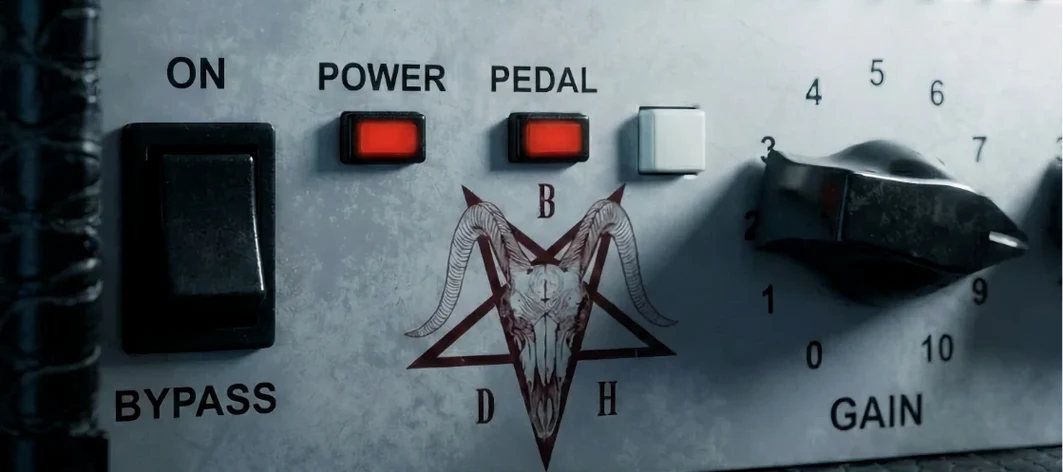 Bogren Digital Ampknob BDH 66o6 Plus
1.2.118 VST Plugins 253 MB
 Cableguys Snapback
1.1 VST Plugins 37 MB
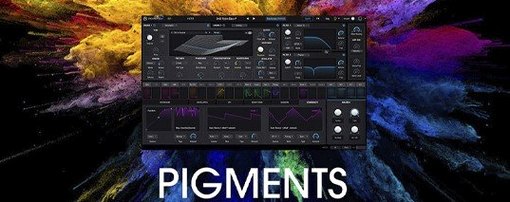 Arturia Pigments
7.0.1 VST Plugins 1.8 GB
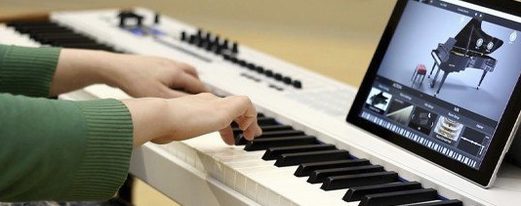 Arturia Piano V3
3.3.3 VST Plugins 361 MB
 Arturia Mellotron V
1.9.3 VST Plugins 2.1 GB
 Arturia FX Collection
2026.02 VST Plugins 16.1 GB
 Arturia Emulator II V
1.6.2 VST Plugins 700 MB
 Arturia Efx AMBIENT
1.0.0 VST Plugins 285 MB

