
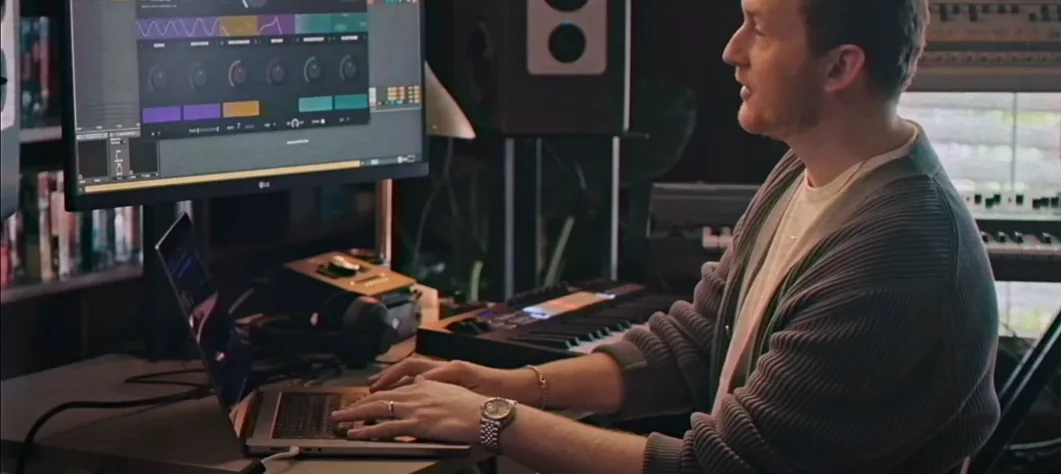
 Download for the office Mac (105 MB)
- Current version
- 1.2.0
- Software maker
- Serato
- Language support
- English
- License
- k'ed by Team V.R
- macOS versions
- macOS 10.15 or later
- Processor type
- Apple Silicon, Intel 64-bit
| System | macOS 10.15 or later |
|---|---|
| Chip | Apple Silicon, Intel 64-bit |
| Download | 105 MB |
Serato Hex FX runs on macOS 10.15 and later, supporting both Apple Silicon and Intel 64-bit Macs. It is a VST/AU plugin that works in Serato Studio, Ableton Live, FL Studio, Logic Pro, and Maschine. The installer now includes an AAX format option for Pro Tools users.
Using Serato Hex FX in a track
- Load Hex FX as a plugin insert in your DAW. The interface shows six effect slots in a hex grid.
- Click any slot to choose from 50 chainable FX — delays, filters, modulation, and more. Drag slots to reorder the chain.
- Apply Performance FX like Halftime or Rollout to add energy and movement. Adjust the mix and routing per slot.
- Save your own effect chains as custom presets. Load presets from producers like Guy Lawrence, Lord Finesse, DECAP, and Amber Navran.
Hex FX is built for adding color and movement without slowing you down. The reorderable chain and included presets make it a practical tool for both studio work and live sets.
A complete workflow: adding movement to a static loop
Here is one way to use Serato Hex FX from start to finish on a plain drum loop or synth pad. Load the plugin on an audio or instrument track in your DAW. Start with a blank hex grid — all six slots empty. Click the first slot and pick a filter effect, say a low-pass filter with moderate resonance. In the second slot, add a delay effect set to a dotted-eighth note timing. Adjust the feedback so it repeats three or four times, then fades. The third slot gets a modulation effect — a slow chorus or phaser. Keep the rate low for a subtle wobble.
Now reorder the chain by dragging the modulation slot before the delay. The sound changes because the delay now processes the modulated signal instead of the dry one. That small reorder can turn a predictable loop into something less static. Once the chain sounds right, save it as a custom preset. Name it something you will recognize, like "Loop Shimmer." The next time you open Hex FX on another track, load that preset and tweak the mix per slot to fit the new material.
For a live performance, use the Performance FX section. Map the Halftime effect to a MIDI controller knob. Trigger it on a breakdown to halve the tempo of the playing audio for a bar, then release. The Rollout effect works similarly — it can stutter a vocal or synth hit into a rhythmic pattern. Both effects are one-click activations in the plugin, no extra routing needed.
How Serato Hex FX compares with other multi-effect plugins
Serato Hex FX vs. Eventide H9 Series (plugin version). Eventide H9 offers deep, high-end effects like Blackhole reverb and Crystals pitch-shifting. It is powerful but each instance typically runs one effect at a time unless you chain multiple instances. Hex FX gives you six simultaneous, reorderable effects in a single window. The tradeoff is that the individual effects in Hex FX are less specialized than Eventide's — you get solid filters, delays, and modulation, not the exotic shimmer reverbs. If you need extreme sound design tools, Eventide wins. If you want quick, chainable color and movement, Hex FX is faster to set up.
Serato Hex FX vs. iZotope Stutter Edit 2. Stutter Edit 2 is built for rhythmic glitch effects and real-time performance. It excels at stutters, gates, and beat-synced cuts. Hex FX covers a broader range — it includes filters, delays, and EQs that Stutter Edit does not. Stutter Edit is more of a specialized performance tool; Hex FX is a general-purpose multi-effect that also handles performance via Halftime and Rollout. For a producer who wants both everyday processing and live tricks, Hex FX is the more versatile choice.
Serato Hex FX vs. Output Movement. Output Movement focuses on animated, sidechain-style effects for rhythmic pumping and motion. It is excellent for creating movement on pads and chords. Hex FX gives you more control over the effect order and includes EQ bands (low-shelf, mid-bell, high-shelf) that Movement lacks. Movement is simpler to dial in for a specific rhythmic feel; Hex FX is better for building a custom chain from scratch.
Works with VST, AU, and AAX in major DAWs
Will this plugin work with my DAW? Serato Hex FX supports VST, AU, and AAX formats. It is officially tested in Serato Studio, Ableton Live, FL Studio, Logic Pro, and Maschine. The 1.2.0 update added AAX Native support, so Pro Tools users can now load it without wrappers. If you use a less common DAW like Reaper or Bitwig, the plugin should work as a standard VST or AU, but Serato does not list those in their official compatibility. Try the demo first if you are unsure.
Do I need a powerful Mac to run it? The plugin runs on macOS 10.15 and later, on both Apple Silicon and Intel 64-bit Macs. It uses chainable effects that process audio in real time, so a very old Intel Mac with limited RAM might struggle if you run multiple instances with complex chains. On a typical modern Mac — even an M1 MacBook Air — it handles a single instance without trouble. For live use with several instances, a machine with more cores is preferable.
Can I use it with Serato DJ software? No. Serato Hex FX is a plugin for music production and live performance inside a DAW. It is not a DJ software effect. It works inside Serato Studio, which is Serato's production DAW, but not inside Serato DJ Pro. If you are looking for effects for DJ sets, look at Serato's DJ-specific tools instead.
How do the presets help? The plugin ships with over 200 presets from well-known producers. These are complete effect chains, not single effects. Loading a preset from DECAP or Guy Lawrence gives you a starting point that is already musical. You can tweak the chain afterward — swap effects, adjust parameters, reorder slots. The presets are especially useful if you are new to multi-effect chains and want to hear what combinations work before building your own.
Quick texture and energy for hip-hop, electronic, and pop producers
Music producers who work in genres like hip-hop, electronic, and pop will find the plugin useful for adding quick texture and energy. The preset library from hip-hop and electronic producers is a good fit for those styles. Sound designers who need to build layered effect chains without opening multiple plugin windows will appreciate the six-slot hex grid and the ability to reorder on the fly.
Live performers using Ableton Live or Maschine can map Performance FX to controllers and trigger them in real time. The Halftime and Rollout effects are straightforward to use during a set. Serato Studio users get native integration, which means the plugin appears in the effects browser without scanning issues.
Pro Tools users who previously could not run Hex FX now can, thanks to the AAX support in version 1.2.0. That makes the plugin accessible to a wider range of studio environments. For anyone who wants a single plugin that handles filters, delays, modulation, and performance effects in one reorderable chain, Serato Hex FX is a practical choice.
- AAX support added.
- Bug fixes included.
- Installer now includes an AAX format option.
- macOS 10.15 or later
- Apple Silicon or Intel 64-bit
- Interface language: English
Questions from the office
Which DAWs support Serato Hex FX?
It is officially supported in Serato Studio, Ableton Live, FL Studio, Logic Pro, and Maschine. It also works in any DAW that loads VST or AU plugins.
Does Serato Hex FX work on Apple Silicon Macs?
Yes. It supports both Apple Silicon and Intel 64-bit Macs running macOS 10.15 or later.
What is new in version 1.2.0?
This version adds AAX support for Pro Tools, includes bug fixes, and the installer now has an AAX format option.
Installation steps
- Open the downloaded disk image and run the standard installation process.
- If the plugin crashes with an error, run the listed Terminal commands exactly as provided.
 Questions and replies
Sign in or set up an account to leave a comment.
No one has commented here yet. If you have used this build, the useful note is where it failed.
Same shelf: VST Plugins
All VST Plugins titles Serato Sample
2.2.0 VST Plugins 612 MB
 Serum
2.1.5 VST Plugins 1.2 GB
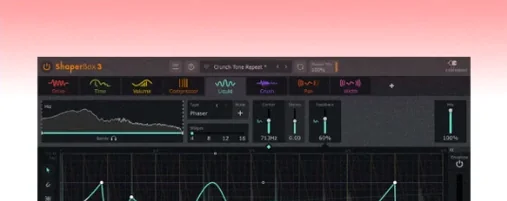 ShaperBox
3.6.1 VST Plugins 111 MB
 Scaler 3
3.3.2 VST Plugins 1.4 GB
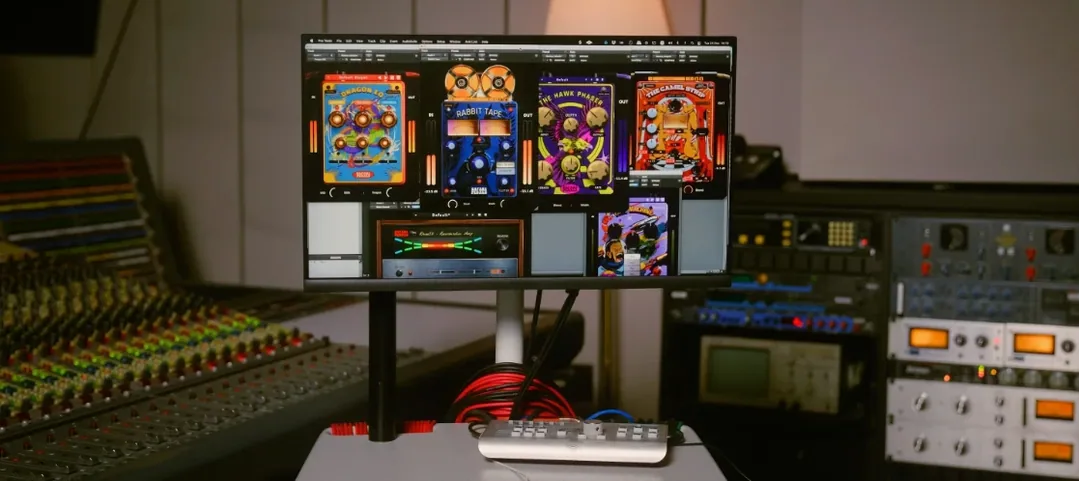 Safari Pedals Everything Bundle
2026.05 VST Plugins 628 MB
 Roland ZENOLOGY Pro
2.0.7 VST Plugins 1.8 GB
 RipX DAW Pro
8.0.3 VST Plugins 1.6 GB
 Slate Digital Fresh Air
1.0.9 VST Plugins 40 MB

