

 Download for the office Mac (2 GB)
- Current version
- 5.12.6
- Software maker
- Arturia
- Language support
- English
- License
- K'ed by LOST
- macOS versions
- macOS 11 or later
- Processor type
- Apple Silicon, Intel 64-bit
| System | macOS 11 or later |
|---|---|
| Chip | Apple Silicon, Intel 64-bit |
| Download | 2 GB |
| Earlier versions | 18 on record |
You are pulling up a mix that needs a reliable electric piano layer fast. Open Analog Lab V — the interface shows you the instrument name, the key controls for that preset, and a browser that actually works without getting in your way. That is the core of it: instant-access controls and integrated browsing, all in one window.
Experienced users will care about the deeper tools. The macro knobs and performance controls are mapped per preset, not generic, so you can tweak what matters for that sound without diving into submenus. The browser lets you filter by type, character, or era — vintage or modern — and save your own tag sets. It loads as Audio Units, AAX, VST2, or VST3, and runs standalone if you want to play without a DAW.
Analog Lab V is now called Analog Lab Pro in the installer, but the plugin keeps the V name. It supports both ARM and x86 64-bit Macs, and works on macOS 11 and later. If you rely on Arturia’s V Collection presets, this is the shell that makes them usable in a session.
Workflow: building a live set from scratch
Start Analog Lab V as a standalone application. The browser defaults to showing all presets across every instrument. Before you audition anything, set a couple of filters that match your set: choose a genre like "Cinematic" or "Pop," then narrow by character, say "Warm" or "Bright." This cuts the preset list from thousands to a manageable handful.
Audition presets by clicking them. Each one loads with its macro knobs already mapped — the four big controls at the bottom of the interface. If you hear a sound that is almost right, twist a knob. The cutoff and resonance controls are the most common tweaks for synth presets; for pianos, the release and velocity knobs matter more. When a preset is close but not there, save it as a user preset with your own name so you can recall it later without repeating the tweaks.
Build a set list by adding presets to the favorites list. Click the heart icon on any preset you want to keep. Switch between them during a performance by clicking the preset name in the top bar and picking from your favorites. The macro knobs stay mapped to the same type of control across presets of the same instrument family — so if you set the filter cutoff on one Rhodes preset, the knob does the same thing on the next one.
When the set is ready, export the favorites list as a bank file. That file can be loaded on another Mac running Analog Lab V, so your setup moves with you.
Real-world scenario: a keyboard player in a cover band
Luis plays keys in a Denver cover band that does weddings and corporate events. He needs to switch between a Wurlitzer, a string pad, and a lead synth in the space of a measure. Before he found a workflow with Analog Lab V, he was loading different plugins in his DAW for each song, which meant clicking through plugin menus during a count-in.
Now he runs Analog Lab V standalone on a MacBook Pro. He built a set list of about 25 presets — one per song — and saved them as favorites. During the gig, he taps the space bar to advance through the list. The macro knobs on his MIDI controller are mapped to the filter cutoff and reverb send for synth presets, and to the release and velocity for keyboard presets. He never touches the mouse during a song.
The intelligent filter helps him find new presets when the band adds a song. He types "80s ballad" into the search bar and gets a short list of appropriate sounds. He tweaks the release time on the piano preset to match the room, saves it, and adds it to the set list. The whole process takes about two minutes.
Ignoring Analog Lab V's macro knobs per preset
Ignoring the macro knobs. New users often load a preset and play it as-is, not realizing that the four knobs at the bottom are per-preset. A piano preset might have velocity, release, brightness, and reverb. A synth preset might have cutoff, resonance, envelope, and LFO rate. If a preset sounds too bright or too dry, twist the knobs before you dismiss it.
Not using the tag system. The browser lets you filter by type, character, and era, but many people skip the tag filters and scroll through the entire list. That works when you have time, but during a session you want the intelligent filter to do the work. Spend five minutes tagging your own favorite presets with custom tags — it saves time on every session afterward.
Overlooking the instrument selector. Beginners sometimes think Analog Lab V only gives access to a few dozen presets. The browser shows presets from every Arturia instrument you have installed. If you have V Collection, you can open the full instrument view for any preset — that gives you access to every parameter on the original synth. But even without V Collection, you get the core sound and the macro controls.
Running it in a DAW without setting up the MIDI controller. If you load Analog Lab V as a plugin in Logic or Ableton and your keyboard does nothing, check that the plugin is receiving MIDI on the right channel. It defaults to omni, but your DAW might be sending on a specific channel. That is a two-second fix that stumps a lot of new users.
How Analog Lab V compares with similar tools
Kontakt by Native Instruments. Kontakt is a sampler that plays instrument libraries, not a preset browser for synthesizers. It handles acoustic instruments, orchestral libraries, and sampled drums better than Analog Lab V, but it does not give you the same kind of per-preset macro control for synth sounds. If you need a sampled grand piano, Kontakt is the tool. If you need a Minimoog lead that you can tweak in real time, Analog Lab V is faster.
UVI Workstation. UVI Workstation is a free player for UVI soundbanks. It has a similar browsing concept — filter by category, type, and character — but the sound libraries are different. UVI focuses on sampled instruments and sound design libraries. Analog Lab V focuses on emulations of classic synthesizers and keyboards. The macro control scheme in Analog Lab V is more performance-oriented, with knobs that are pre-mapped per preset rather than generic.
Omnisphere by Spectrasonics. Omnisphere is a synthesis engine with a huge preset library. It goes far deeper than Analog Lab V in sound design — you can layer sounds, modulate almost anything, and build complex patches from scratch. But for someone who just wants to browse and play presets from classic hardware, Analog Lab V is more direct. Omnisphere requires learning its synthesis architecture to get the most out of it. Analog Lab V is designed for players who want to spend their time making music, not programming sounds.
If you are looking for Arturia crack Mac or Arturia V Collection Mac torrent resources, be aware that the full V Collection unlocks every instrument view inside Analog Lab V. That is where this plugin shows its full strength — every preset becomes a full instrument with every parameter exposed.
- macOS 11 or later
- Intel or Apple Silicon (ARM) 64-bit
- English interface
Questions from the office
Is Analog Lab V the same as Analog Lab Pro?
Yes — the software is now called Analog Lab Pro, but the plugin and file names still use Analog Lab V.
Does Analog Lab V run on Apple Silicon Macs?
Yes, it supports both ARM and x86 64-bit Macs natively.
What plugin formats does it work with?
It works as Audio Units, VST2, VST3, and AAX, plus as a standalone application.
 Questions and replies
Sign in or set up an account to leave a comment.
No one has commented here yet. If you have used this build, the useful note is where it failed.
Same shelf: VST Plugins
All VST Plugins titles Arturia Efx AMBIENT
1.0.0 VST Plugins 285 MB
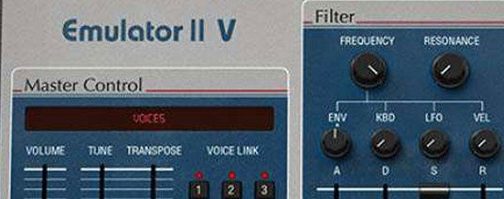 Arturia Emulator II V
1.6.2 VST Plugins 700 MB
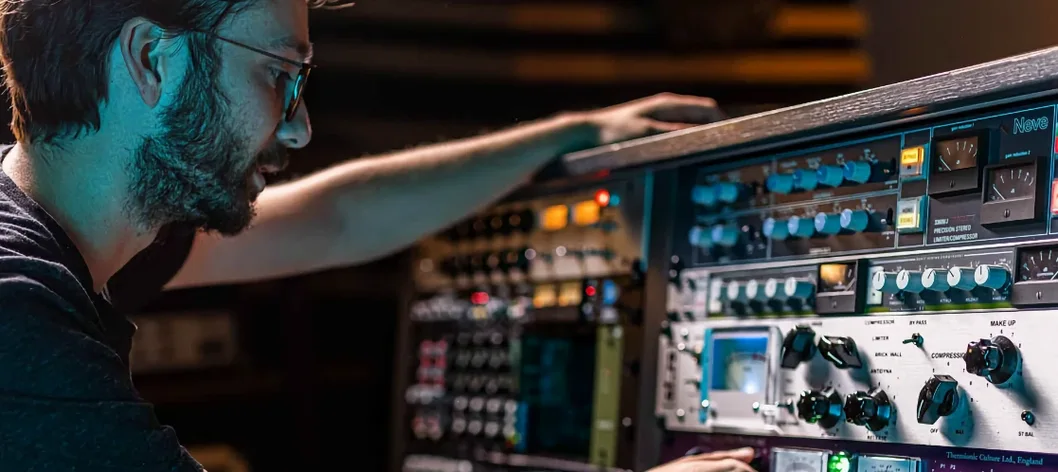 Arturia FX Collection
2026.02 VST Plugins 16.1 GB
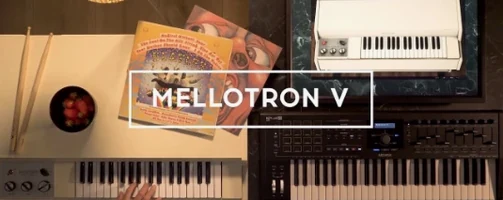 Arturia Mellotron V
1.9.3 VST Plugins 2.1 GB
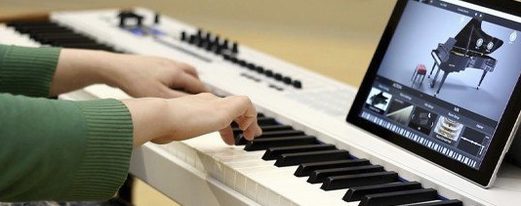 Arturia Piano V3
3.3.3 VST Plugins 361 MB
 Arturia Pigments
7.0.1 VST Plugins 1.8 GB
 Ample Sound Ample Guitar LP III
4.0.1 VST Plugins 9.2 GB
 Ample Guitar M
4.1.0 VST Plugins 5.2 GB

