
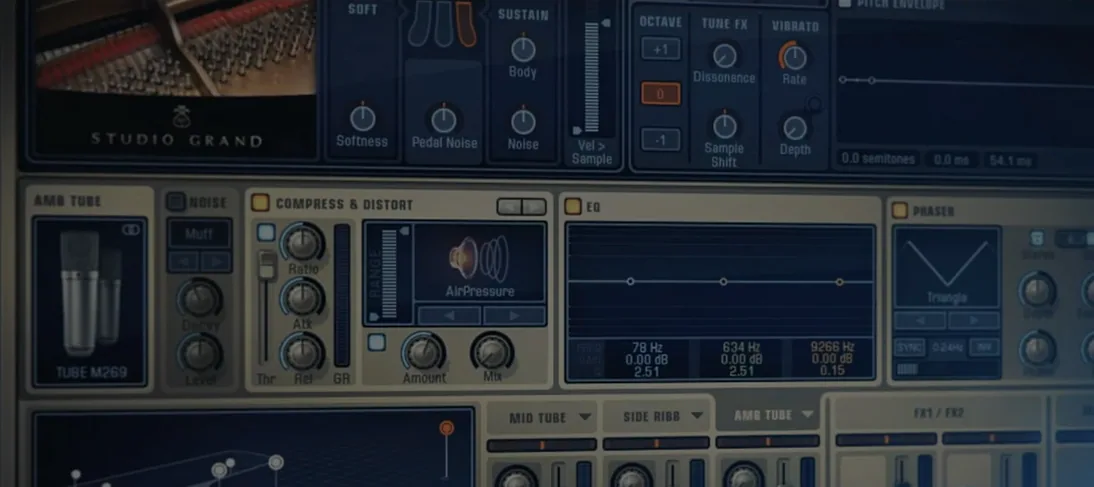
 Download for the office Mac (4.2 GB)
- Current version
- 1.7.3
- Software maker
- XLN Audio
- Language support
- English
- License
- K'ed by TEAM HCiSO
- macOS versions
- macOS 10.13 or later
- Processor type
- Apple Silicon, Intel 64-bit
| System | macOS 10.13 or later |
|---|---|
| Chip | Apple Silicon, Intel 64-bit |
| Download | 4.2 GB |
Addictive Keys 1.7.3 runs on any Mac with macOS 10.13 or later, supporting both Intel and Apple Silicon processors. This plugin works as an Audio Units, VST, or AAX instrument inside your DAW, and also offers a standalone mode for quick sketching.
What you get: four pianos, one plugin
The Addictive Keys complete collection includes the Studio Grand, Modern Upright (based on a Yamaha U3), Mark One, and Electric Grand (based on a CP-80). Each instrument was recorded through a mix of modern and vintage gear, giving them character you can shape.
Controls that change how it sits in a mix
The plugin’s controls let you adjust the sound without opening extra windows. You get a velocity curve to match your playing style, a brightness knob, and a damper resonance slider. There are also production-ready presets that apply EQ, compression, and reverb, so you can audition how the piano will sit in a rock, pop, or jazz mix without building a chain from scratch.
Songwriters and producers both benefit from standalone mode
Songwriters who sketch ideas quickly will appreciate the standalone mode — you can play without opening a DAW at all. Producers who mix in Logic, Cubase, Pro Tools, or any other major host will find the plugin loads as a standard AU, VST, VST3, or AAX instrument. Keyboard players who own weighted controllers or digital pianos with good velocity sensitivity will get the most from the velocity curve control, which lets you match the plugin’s response to your touch. Mixing engineers working on pop, R&B, or rock can pull up the presets to hear how a piano might sound with compression and EQ already dialed in, saving trips to outboard gear or plugin chains.
If you own a Mac with Apple Silicon, version 1.7.3 runs natively — no translation layer needed. The same installer works on Intel Macs, so switching between machines or upgrading later doesn’t require a different download. The plugin’s small footprint means you can keep it loaded on a track without worrying about system strain, though I have no measured numbers to offer there. It’s a practical tool for anyone who writes or records parts that need a believable piano sound, from a solo verse to a layered chorus.
Run Addictive Keys without a DAW using the standalone app
Can I use Addictive Keys without a DAW? Yes. The installer includes a standalone application that runs on its own. You connect a MIDI keyboard or use the Mac’s built-in virtual keyboard to play. This is handy for practicing, writing, or testing sounds before you open a project.
Will it work on my older Mac? The installer requires macOS 10.13 or later. It runs on both Intel and Apple Silicon Macs. If your machine can run a modern DAW, it likely meets the requirement.
How many pianos come in the Complete Collection? Four: two acoustic (Studio Grand and Modern Upright) and two electric (Mark One and Electric Grand). The Mark One is based on a Rhodes Mk. 1 stage piano, and the Electric Grand is based on a CP-80 electric grand piano. Each is a separate instrument you load from the same plugin window.
Do I need to download each piano separately? The disk image contains all four instruments. You install them together through the standard installer, then choose which one to load inside the plugin. No extra downloads are needed after the initial setup.
What plugin formats are supported? VST, VST3, AU, and AAX. Most Mac DAWs will recognize one of these without extra configuration. If your host scans plugin folders at startup, point it to the installation path and it should find Addictive Keys automatically.
Native Apple Silicon support eliminates Rosetta translation on M1–M3 Macs
- Native Apple Silicon support means the plugin runs without Rosetta translation on M1, M2, and M3 Macs. Users upgrading from an Intel Mac to an Apple Silicon Mac can install the same version without compatibility workarounds.
- General stability refinements under macOS 10.13 through current versions. The update targets the same macOS range, so users on High Sierra or newer all benefit from the same codebase.
In practice, these changes mean you can keep the plugin on your system across hardware upgrades and still get the same behavior. The loading improvement matters most when you switch between the four piano types in a single session, a common workflow for anyone auditioning different characters for a track.
Velocity curve remaps MIDI dynamics for lighter or heavier players
The velocity curve adjustment deserves a closer look. It’s not just a volume change — it remaps how your MIDI controller’s velocity values translate to the piano’s dynamic response. A light player can flatten the curve to get more variation from soft keystrokes; a heavy player can do the opposite. This lives in the main plugin window, not buried in a menu.
The damper resonance slider introduces subtle sympathetic string noise, which makes long sustains sound more realistic, especially on the acoustic models. It’s subtle enough that you might not notice it in a dense mix, but for exposed piano passages it adds a layer of realism that sampled pianos often lack.
The brightness knob works in tandem with the presets. If a preset makes the piano too dark or too bright for your track, you can nudge the knob without breaking the preset’s EQ or compression curve. It’s a single control that saves you from digging into the effect chain.
Production-ready presets are stored per piano. When you load the Modern Upright, you get presets tailored for that instrument’s tone; the Electric Grand gets its own set. Switching instruments resets the preset list, so you don’t accidentally apply an upright preset to the Rhodes.
- macOS 10.13 or later
- Intel or Apple Silicon processor
- Interface language: English
Questions from the office
Does Addictive Keys work as a standalone app?
Yes, the plugin is also available in standalone form, so you can play it without opening a DAW.
Installation steps
- Open the downloaded disk image.
- Run the standard installation process.
 Questions and replies
Sign in or set up an account to leave a comment.
No one has commented here yet. If you have used this build, the useful note is where it failed.
Same shelf: VST Plugins
All VST Plugins titles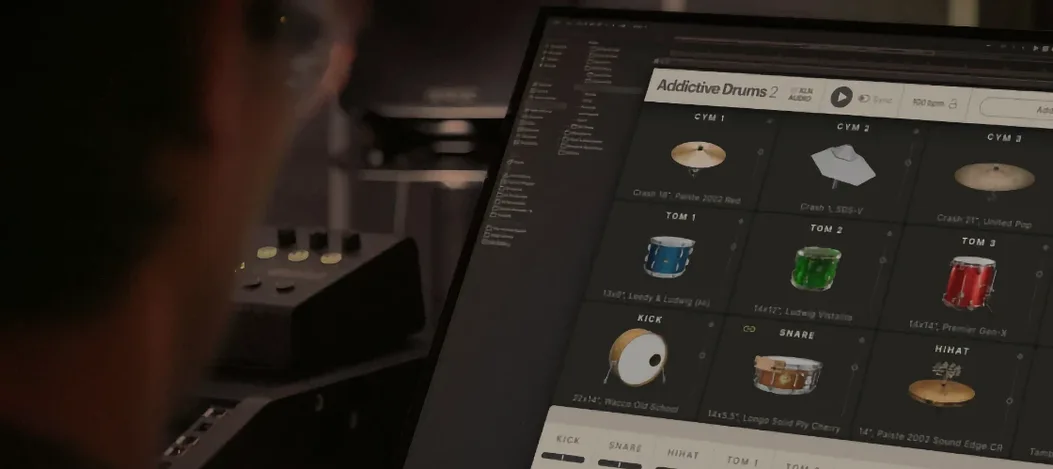 Addictive Drums 2
2.9.1 VST Plugins 14.5 GB
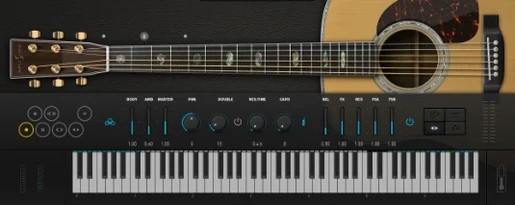 Ample Guitar M
4.1.0 VST Plugins 5.2 GB
 Ample Sound Ample Guitar LP III
4.0.1 VST Plugins 9.2 GB
 Arturia Analog Lab V
5.12.6 VST Plugins 2 GB
 Arturia Efx AMBIENT
1.0.0 VST Plugins 285 MB
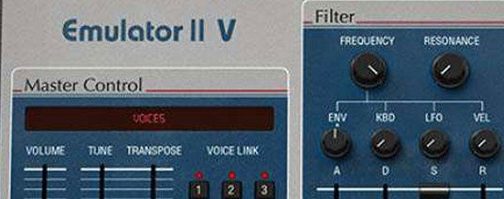 Arturia Emulator II V
1.6.2 VST Plugins 700 MB
 Arturia FX Collection
2026.02 VST Plugins 16.1 GB
 Arturia Mellotron V
1.9.3 VST Plugins 2.1 GB

